
Cybersecurity Awareness Month 2026 brings an important message: “Don’t Make It Easy for Them”.
The campaign highlights the importance of good security habits, such as using strong passwords, enabling multi-factor authentication (MFA), recognising suspicious messages and keeping software up to date. These actions help reduce everyday cyber risks, but they are only part of the solution.
When it comes to mobile applications, attackers can still download an app, study its code, reverse engineer its functions, modify its behaviour or distribute a fake version containing malware.
This creates another responsibility for businesses and developers. Protecting an application should not stop when it passes security testing or becomes available on an app store. Organisations must also consider what happens when their applications run on devices they do not control.
So, how can businesses make it harder for attackers? It starts with a stronger, layered approach to mobile application security.
Why Attackers Look for the Easiest Way In?
Cyber criminals often look for the easiest and most cost-effective way to attack an application. Every attack requires time, tools and technical knowledge. Attackers need to understand how an application works, identify weaknesses and find opportunities to exploit them. However, Artificial Intelligence (AI) is changing this process. AI tools are increasingly helping attackers automate certain activities, analyses code and accelerate reconnaissance. This can lower the technical barriers to some attacks and allow cybercriminals to work more efficiently. Activities that once required significant time and expertise can now become faster and more accessible. For businesses, this means traditional security measures may not be enough on their own.
The goal is not to make an application completely impossible to hack. It is to make attacks more difficult, time-consuming, less reliable and easier to detect.
What Happens When an App Reaches a Device?
During development, organisations have more control over their applications. Developers can review source code, run security tests and identify vulnerabilities before release. Once an application is published, the situation changes. Mobile applications operate on devices that belong to users, not the organisations that developed them. This creates opportunities for attackers to examine and manipulate applications outside the developer-controlled environment.
Some common attack techniques include:
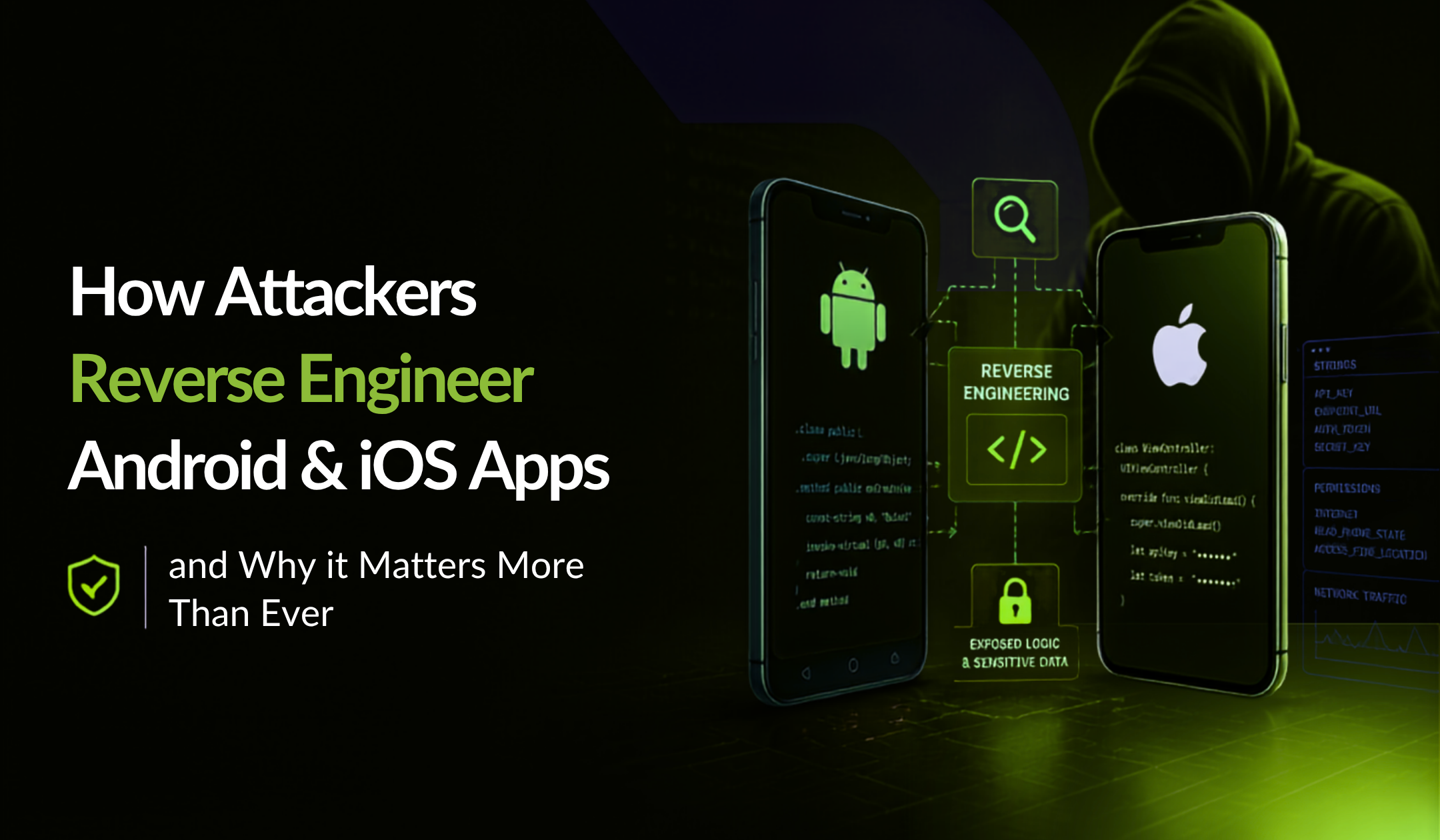
- Reverse engineering: Attackers analyse an application’s compiled code to understand its functionality, identify weaknesses and find sensitive information
- App tampering: Attackers modify an application’s code or behaviour to bypass security controls or gain unauthorised access
- App repackaging: A legitimate application is modified and distributed with malicious code, potentially tricking users into installing a fake version.
- Runtime manipulation: Attackers use debugging and instrumentation tools to observe or change an application’s behaviour while it is running.
These risks show why mobile app security must continue beyond development and deployment.
How Can Businesses Make Attacks Harder?
A strong mobile app security strategy includes multiple layers of protection. Each layer creates another obstacle for attackers, making it harder to understand, modify or misuse an application. Here are five important techniques businesses should consider.
- Code obfuscation and Encryption
Code obfuscation makes application code harder to understand by changing the structure and names of classes, methods and variables. Encryption adds another layer by protecting sensitive information stored within the application. Together, these techniques make reverse engineering more challenging and help protect valuable business logic and intellectual property.
- Anti-Debugging and Anti-Tampering
Attackers can use debugging tools to inspect and manipulate applications. Anti-debugging controls help identify unauthorized debugging activity. Anti-tampering protection checks whether an application has been modified from its original version. If suspicious changes are detected, the application can respond based on its configured security settings.
- Runtime Integrity Checks
Application integrity checks help verify that an application remains in its original, trusted state. If an attacker modifies the application or attempts to run a repackaged version, these checks can help identify the changes and trigger an appropriate response.
- App Shielding and Runtime Protection
App shielding adds security controls directly to an application to make reverse engineering, code manipulation and runtime attacks more difficult. Runtime Application Self-Protection (RASP) takes this further by monitoring an application’s environment while it is running. Depending on the protection settings, it can help identify suspicious conditions such as debugging tools, rooted or jailbroken devices and attempts to manipulate application behaviour.
- Secure API Access and Attestation
Mobile applications regularly communicate with backend systems and APIs, making secure communication essential. Businesses should implement appropriate authentication, encryption and API security controls to protect these connections.
Quixxi also offers an API Attestation SDK, which adds a Hash Key to outgoing API requests. Backend systems can validate this key to help verify the authenticity of incoming requests and reduce the risk of unauthorised API access.
Why does layering matter?
No single security technique can address every attack. Code obfuscation makes reverse engineering harder, runtime checks help identify suspicious behaviour, and integrity controls can detect unauthorised modifications. When combined, these controls increase the time, effort and uncertainty involved in attacking an application.
Why Mobile App Security Needs Continuous Protection
Application security is not a one-time activity. Attackers constantly change their techniques, develop new tools and look for ways around existing security controls. Business therefore need to review and improve their protection strategies regularly. A useful approach is to follow a continuous security cycle:
Protect → Collect → Analyse → Adapt
- Protect: Apply security controls to make applications harder to analyse, modify and attack
- Collect: Gather information about suspicious activity and potential security threats
- Analyse: Review events and identify attack patterns or weaknesses
- Adapt: Update security configurations and improve protection based on what has been learned
This approach helps organisations move beyond simply reacting to security incidents. Instead, they can use what they learn to strengthen their applications against future threats.
How Quixxi Helps Businesses Make Mobile Apps Harder to Attack
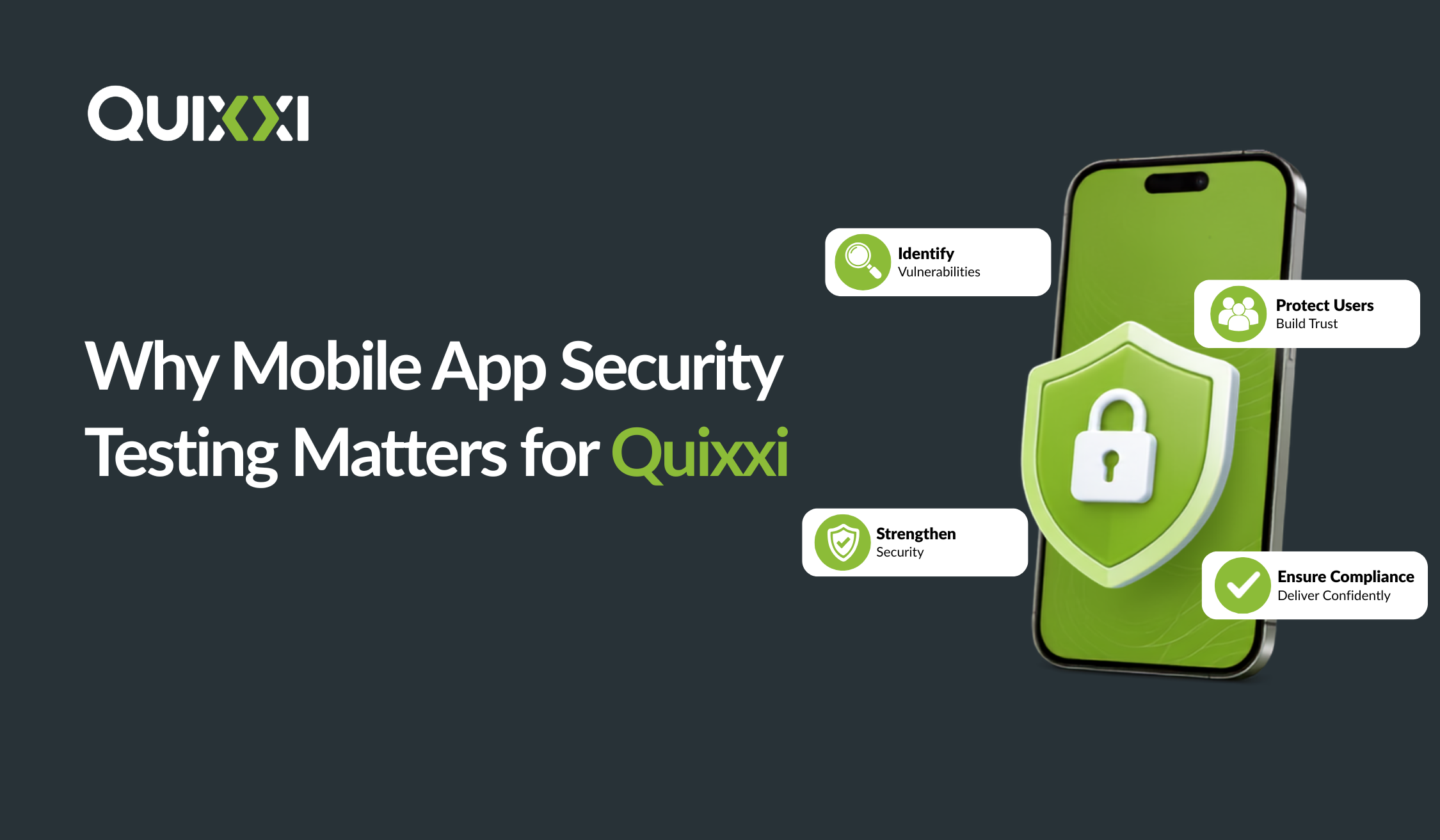
At Quixxi, we believe mobile application security should cover the entire app lifecycle, from development to deployment and ongoing monitoring. Our mobile app security platform combines application scanning, runtime protection and threat monitoring to help business identify vulnerabilities and protect their applications against evolving threats.
- Scan: Identify Vulnerabilities Before Release
Security should start during development.
Quixxi Scan combines Static Application Security Testing (SAST) and Dynamic Application Security Testing (DAST) to help identify vulnerabilities and security weaknesses in mobile applications. SAST analyses application code to uncover potential security issues, while DAST assess application behaviour to identify vulnerabilities that may emerge during operation. By identifying these issues earlier, development teams can address potential risks before deployment. Quixxi Scan also supports integration into existing CI/CD workflows, helping teams incorporate security assessments into their development process.
- Shield: Protect Applications at Runtime
Finding vulnerabilities before release is important, but what happens after an application reaches a user’s device?
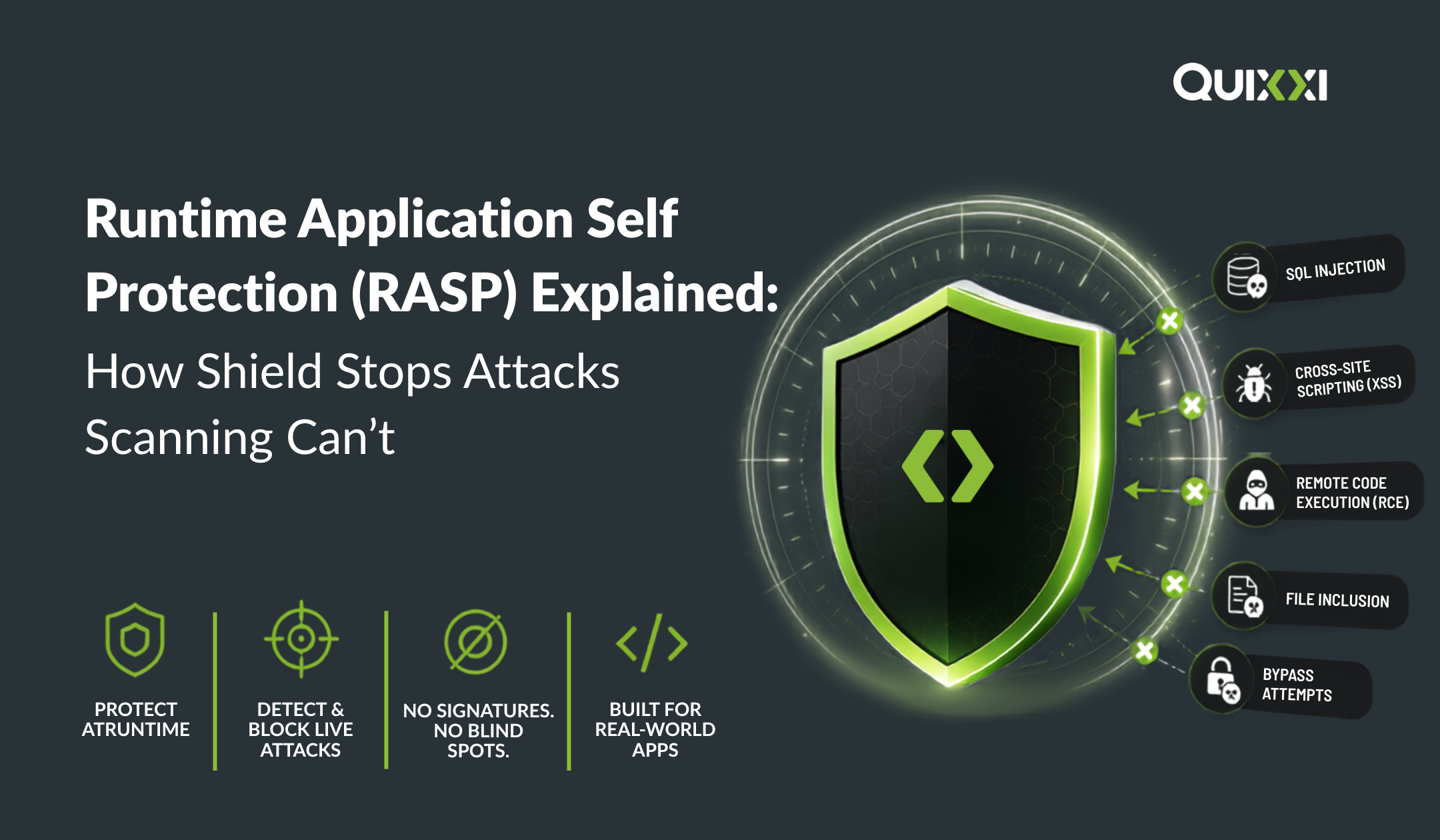
Quixxi Shield provides multi-layered Runtime Application Self-Protection (RASP) for Android and iOS applications. It helps protect applications against reverse engineering, code tampering, debugging and runtime manipulation.
Key capabilities include:
- Code obfuscation and encryption: Make application code harder to understand and help protect hardcoded strings and sensitive application logic
- Anti-tampering: Detect attempts to modify the original application
- Anti-debugging: Identify unauthorised debugging activity
- Application integrity checks: Help verify that the application has not been modified
- Runtime threat detection: Identify suspicious activity while the application is running
Quixxi Shield also offers a codeless integration approach. Businesses can upload their application, configure protection settings through the Quixxi portal and download the shielded build without manually modifying their original source code. This allows development teams to introduce additional security controls without significantly changing their existing development workflow.
- Supervise: Monitor Threats After Deployment
Security does not end once an application is released.
Quixxi Supervise provides visibility into potential security threats through a centralised monitoring dashboard. Businesses can review live threat logs, identify flagged devices, monitoring suspicious activity and access relevant security information from deployed applications. Supervise also supports remote application management, including remote disabling and messaging, helping organisations maintain visibility and respond to potential security after deployment.
Together, Quixxi Scan, Shield and Supervise support a layered security approach:
Scan → Shield → Supervise
Scan identifies vulnerabilities before release. Shield adds protection while the application runs and Supervise provides ongoing visibility into potential threats after deployment.
The Bottom Line: Don’t Make it Easy for Them
Cybersecurity Awareness Month 2026 reminds us that everyone has a role to play in staying safe online. Users can protect their accounts with strong passwords, MFA and regular software updates. However, businesses must also take responsibility for protecting the applications they build and operate. Once an application is released, organisations cannot control every device, network or environment in which it runs. What they can control is how difficult they make it for attackers to analyse, manipulate and exploit their applications. The goal is not to promise an unhackable application. It is to create multiple layers of defence, detect suspicious activity and keep improving security as threats evolve.
Don’t make it easy for them. Make your mobile applications harder to attack with a stronger, layered security approach.
Ready to strengthen your mobile app security?
Discover how Quixxi Scan, Shield and Supervise can help protect your application from development to deployment and beyond.