Many businesses assume that once an Android APK or iOS IPA is compiled and published, the application’s code and logic are safely hidden from attackers.
Unfortunately, that assumption is far from reality. Nowadays, publicly available tools allow attackers to inspect, analyse, modify, and even redistribute mobile applications with surprising ease. What begins as a simple download from an app store can become a full reverse engineering exercise where sensitive information, proprietary algorithms, and business logic are exposed.
For organisations in banking, healthcare, government, retail, and other sensitive industries, the impact can be significant ranging from intellectual property theft and revenue loss to fraud, malware distribution, and damaged customer trust.
Understanding how attackers operate is the first step towards stopping them.
What Reverse Engineering Actually Looks Like in Practice
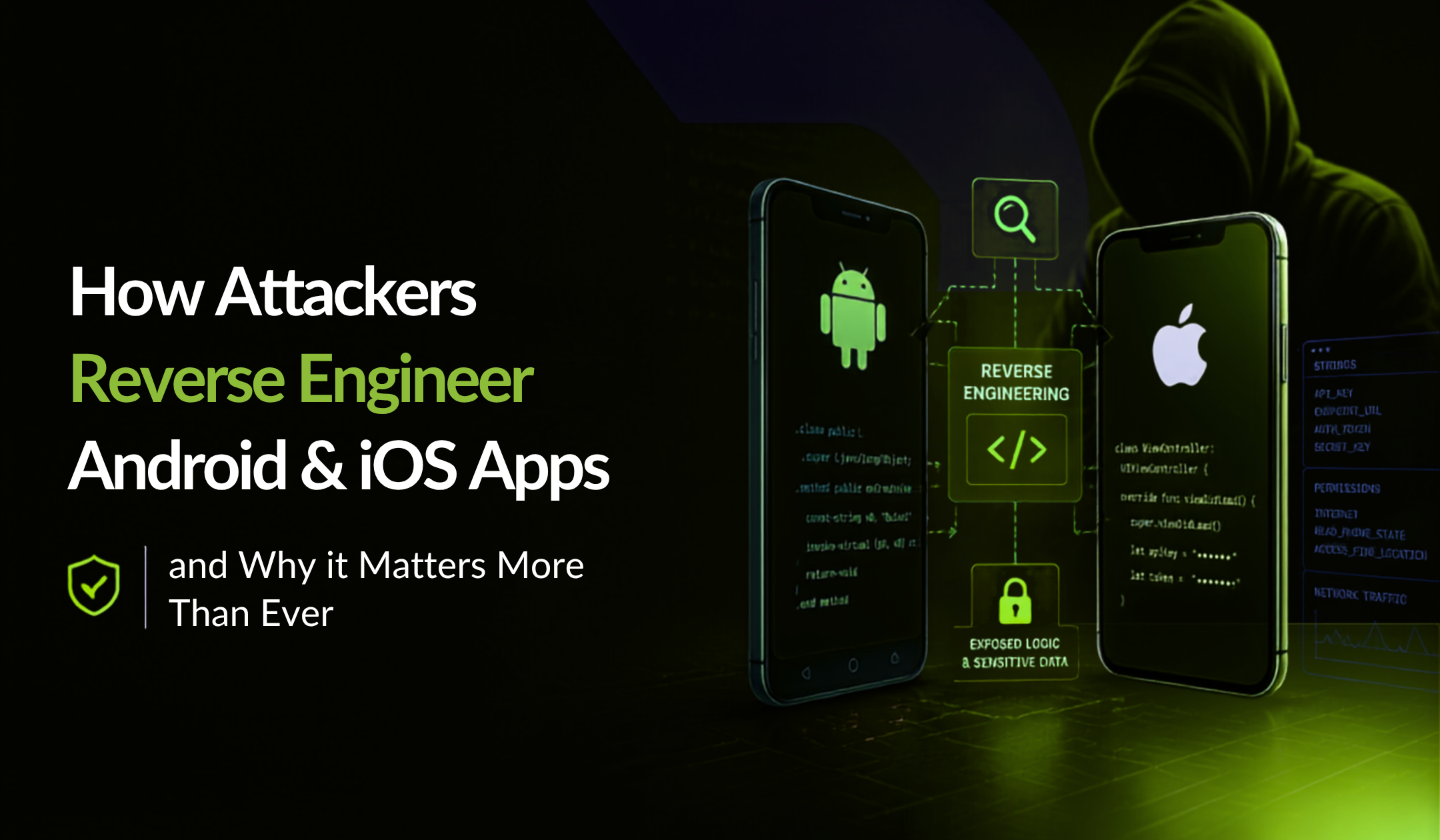
Reverse engineering is the process of taking a compiled mobile application and working backwards to understand how it functions.
Attackers generally follow a predictable attack chain:
- Obtain the APK or IPA file.
- Decompile the application.
- Analyse the code and resources.
- Extract sensitive data such as API keys, tokens, certificates, or hardcoded business rules.
- Modify the application.
- Repackage and redistribute a malicious version.
This process does not necessarily require advanced nation-state capabilities. Many of the tools required are publicly available and widely documented, making mobile applications a frequent target.
Step 1. Decompiling APKs Using Publicly Available Tools
For Android applications, attackers can download an APK and use freely available reverse engineering tools to transform compiled code into a more readable format.
They can inspect:
- Application structure and resources.
- Classes and methods.
- Network endpoints.
- Embedded configuration files.
- Security controls and validation checks.
Although the resulting code may not look exactly like the original source code, it often provides enough information for attackers to understand how the application works.
iOS applications face similar risks. Attackers with access to IPA files and analysis tools can inspect binaries, resources, and application behaviour to discover valuable information.
Step 2. Extracting Secrets, API Keys & Hardcoded Logic
Once attackers understand the application structure, they search for valuable assets.
Common targets include:
- API keys and access tokens.
- Encryption keys.
- Backend URLs and endpoints.
- Authentication mechanisms.
- Premium feature checks.
- Pricing or transaction logic.
- Proprietary algorithms.
These secrets can be used to abuse APIs, bypass premium features, automate fraud, or replicate critical parts of the application.
For businesses, this represents more than a technical problem, it is a direct threat to intellectual property, revenue, and customer data.
Step 3. Repackaging & Redistributing A Trojanized Version
After modifying the application, attackers can repackage it into a new APK or IPA and distribute it through unofficial channels.
A trojanized version may include:
- Malicious code.
- Credential stealing functionality.
- Bypassed payment restrictions.
- Disabled security controls.
- Fake updates designed to impersonate the legitimate application.
The end user often cannot distinguish between the genuine application and a modified copy, creating serious risks for brand reputation and user trust.
Which Mobile Applications are Targeted Most Often?
While every application can be attacked, some categories are particularly attractive to cybercriminals.
Banking & Fintech Apps
Attackers target payment flows, authentication mechanisms, transaction logic, and customer credentials.
Healthcare Apps
Medical records, personal data, and sensitive information make healthcare applications valuable targets.
Gaming & Streaming Apps
Hackers frequently attempt to unlock premium content, manipulate in-app purchases, or bypass licensing controls.
Enterprise & Government Applications
Business logic, confidential information, and privileged access make these applications attractive for espionage and data theft.
The more valuable the data or functionality inside an application, the greater the incentive for attackers to reverse engineer it.
How RASP & App Shielding Break the Attack Chain?
Traditional security testing helps identify vulnerabilities before an application is released. However, once an app is installed on a user’s device, it requires protection against attacks happening in the real world.
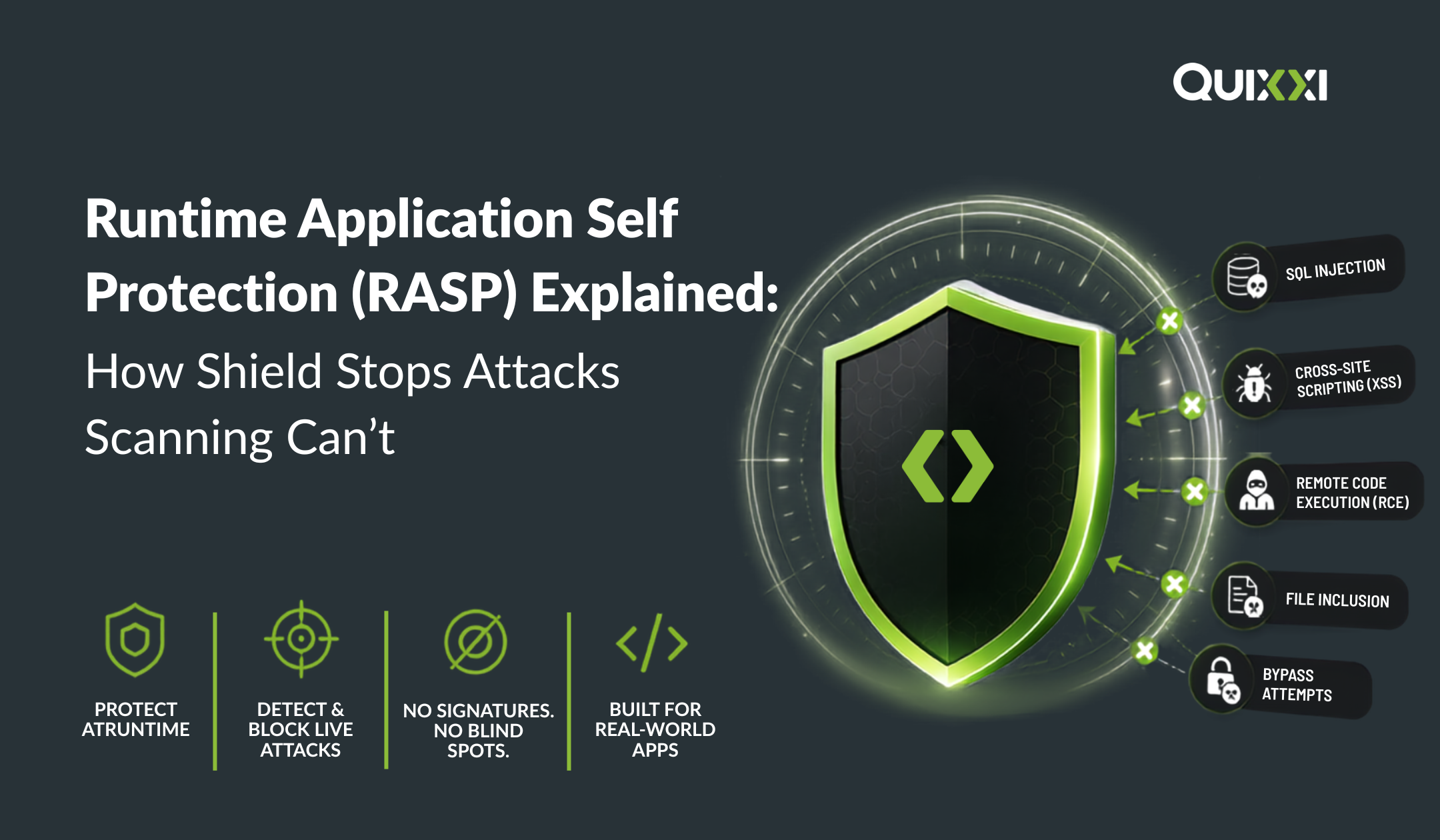
This is where Runtime Application Self-Protection (RASP) and app shielding provide another layer of defence.
App shielding makes reverse engineering significantly harder by protecting code, hiding sensitive elements, and increasing the complexity attackers must overcome.
RASP actively monitors the application during execution and detects suspicious behaviours such as:
- Debugging attempts.
- Rooted or jailbroken devices.
- Emulators used for analysis.
- Application tampering.
- Runtime manipulation and code injection.
When a threat is detected, the application can respond based on predefined security policies, preventing attackers from progressing further in their attack chain.
How Quixxi Shield Protects at Every Stage of The Attack?
Modern mobile security requires more than a single control. It requires multiple layers of protection designed to disrupt attackers at every step.
Quixxi Shield provides a codeless, multi-layered mobile application security solution for Android and iOS applications. Using a simple drag-and-drop process, organisations can apply advanced protection without changing their source code.
During Reverse Engineering
Quixxi Shield protects applications using techniques such as code protection, string and method encryption, making it significantly more difficult for attackers to understand the application’s internal logic.
During Runtime Analysis
RASP capabilities detect hostile environments and suspicious behaviour including debugging attempts, emulators, rooted or jailbroken devices, and other runtime threats.
During App Modification & Repackaging
Integrity verification detects when application files, resources, or binaries have been modified, helping prevent tampered versions from operating successfully.
During Distribution
By making cloning, tampering, and malicious modification more difficult, Quixxi helps organisations protect their brand reputation, customer trust, and intellectual property.
Security Should Not End at Release
Publishing an app to the App Store or Google Play is not the end of your security journey, it is where real-world attacks begin.
Attackers continuously evolve their techniques, using easily accessible tools to inspect applications, steal business logic, extract secrets, and distribute modified versions.
By combining app shielding, RASP, integrity verification, and anti-tampering protection, organisations can significantly increase the effort required to compromise their mobile applications.
With Quixxi Shield, businesses can move beyond vulnerability discovery and implement continuous protection against the attacks happening after their app reaches users.
Because in mobile security, making an attack possible is one thing. Making it practical is what truly matters.